Wireless convenience or wired reliability? We break down the pros and cons of each connection type.
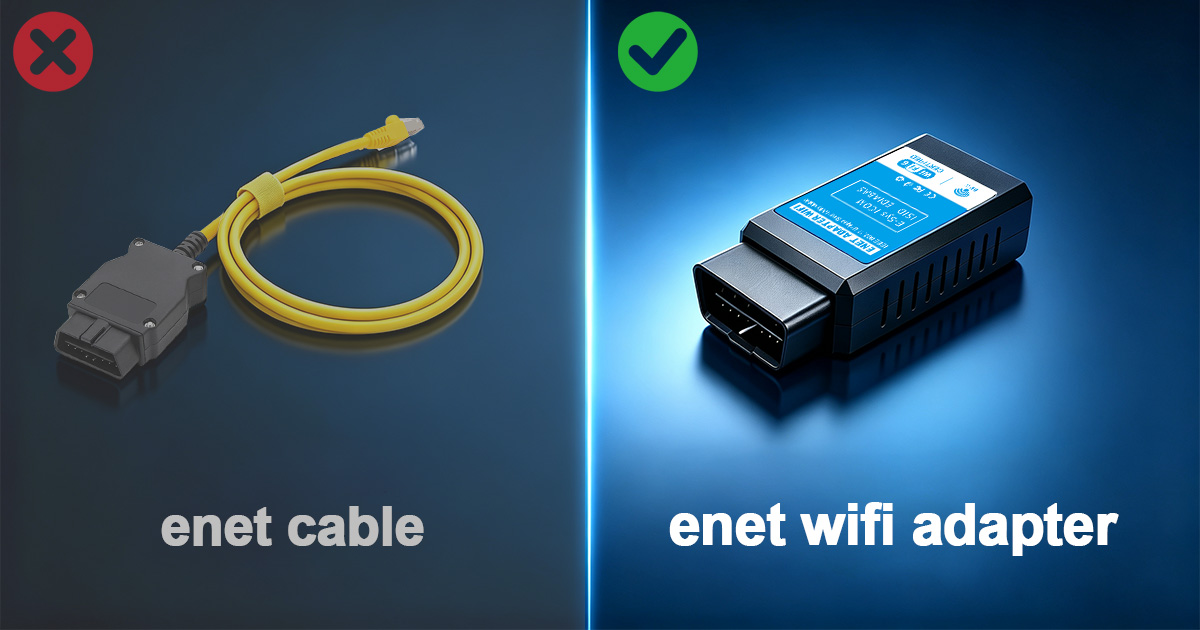
When it comes to BMW diagnostics and coding, the first decision you need to make is whether to go wireless or stick with a traditional wired connection. Both have their place, and the right choice depends on how you plan to use the tool.
WiFi adapters have become the default choice for most BMW enthusiasts, and for good reason. They offer unparalleled convenience and work seamlessly with both smartphones and laptops.
Traditional ENET cables connect directly to your laptop's Ethernet port (or USB with an adapter). They've been the standard for professional BMW technicians for years.
For tuning and coding: WiFi adapter. The ability to use your phone for quick coding sessions or map flashes is a game-changer.
For professional diagnostics: Consider both. Use the cable for long ISTA programming sessions where stability is critical, and WiFi for quick checks.
For beginners: Start with WiFi. The mobile apps are more user-friendly, and you'll get comfortable with coding faster.
Contact us for a free consultation. We typically reply within 24 hours.
Powered by Fluent Forms. We typically respond within 24 hours.