Learn how to activate hidden features and customize your BMW with BimmerCode and E-SYS.
BMW coding is one of the most rewarding modifications you can make to your vehicle. Unlike physical upgrades, coding unlocks features that your BMW already has — hidden in the software. This guide will take you from complete beginner to confident coder in under an hour.
Coding is the process of changing software settings in your BMW's control modules. Unlike tuning (which changes engine maps), coding only modifies configuration settings — things like enabling digital speedometer, folding mirrors on lock, or activating Apple CarPlay.
It's safe, reversible, and opens up a world of customization that most BMW owners never know exists.
BimmerCode is the best app for beginners. It's available on iOS and Android, has a clean interface, and supports the most popular features.
Download BimmerCode from the App Store or Google Play. The app costs around $30 — a one-time purchase with no subscription.
Plug your ENET adapter into the OBD port, connect your phone to the adapter's WiFi network, and open BimmerCode. The app should automatically detect your vehicle.
Browse the available features for your vehicle. Popular options include:
Toggle the feature you want, then tap the "Code" button. The app will write the new settings to the control module. This takes 30-60 seconds.
Check that the feature works as expected. If something isn't right, you can always revert to the original settings using the backup that BimmerCode creates automatically.
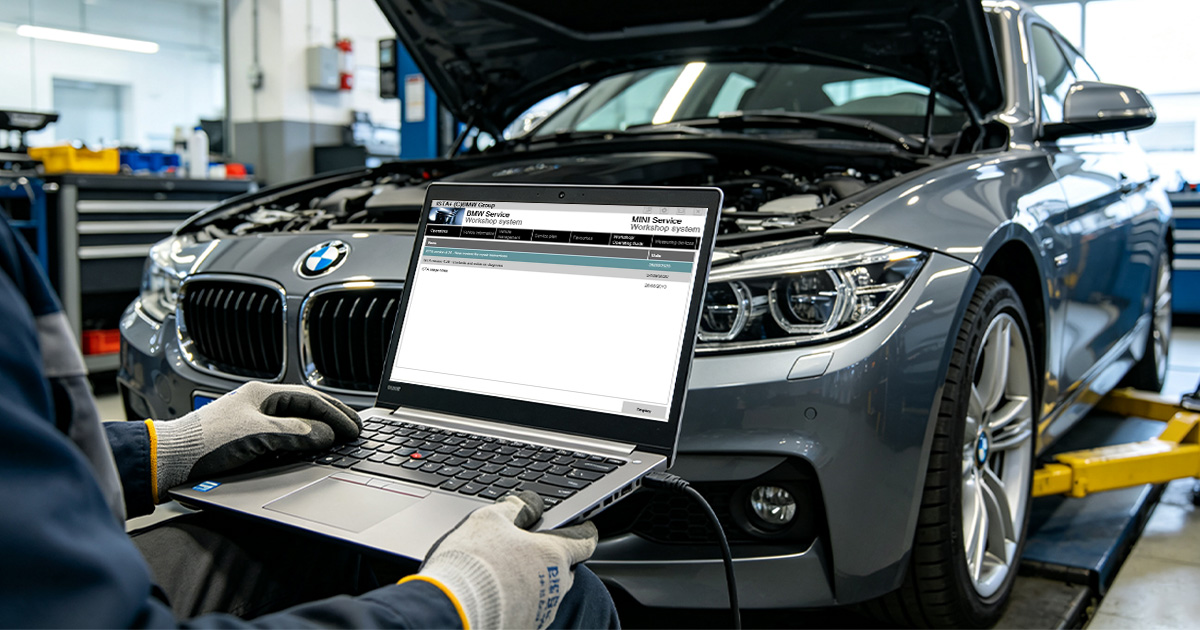
For more advanced features, E-SYS is the professional tool. It requires a Windows laptop and has a steeper learning curve, but offers access to every setting in every module.
We recommend starting with BimmerCode and moving to E-SYS once you're comfortable with the basics. Our EsysPlus package includes pre-configured profiles that make E-SYS much easier for beginners.
These are the safest and most popular features for beginners:
Contact us for a free consultation. We typically reply within 24 hours.
Powered by Fluent Forms. We typically respond within 24 hours.